
Income
View Income
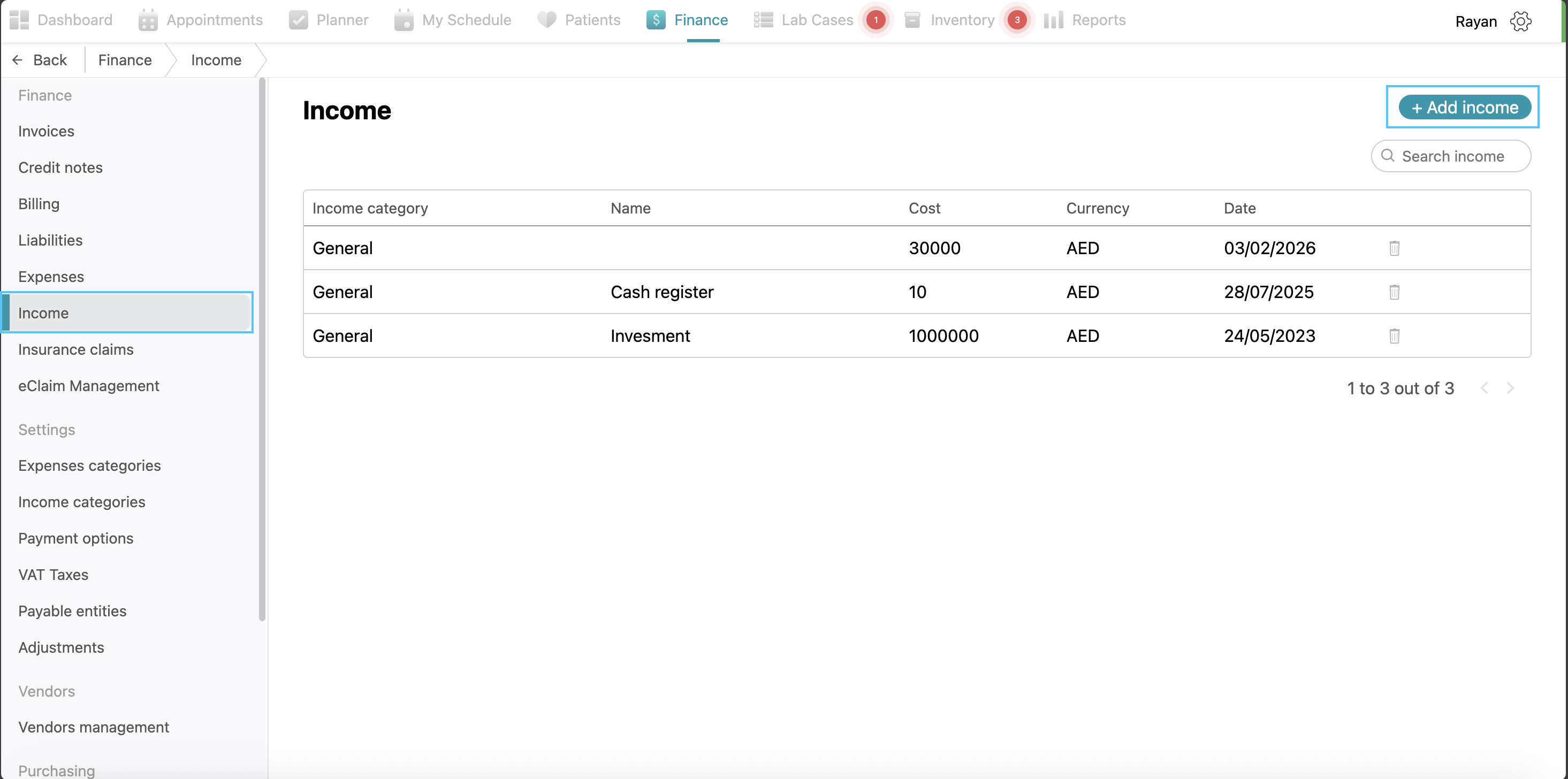
The Income section tracks all revenue flowing into the clinic. To log a new entry, click the + Add income button and fill in the Income name, Category, and Date. You must also provide the Amount, Currency, and Payment method used for the transaction. If you need to make changes to a previously recorded income, simply click on the record in the list, update the information in the pop-up, and click Save.
Income Categories
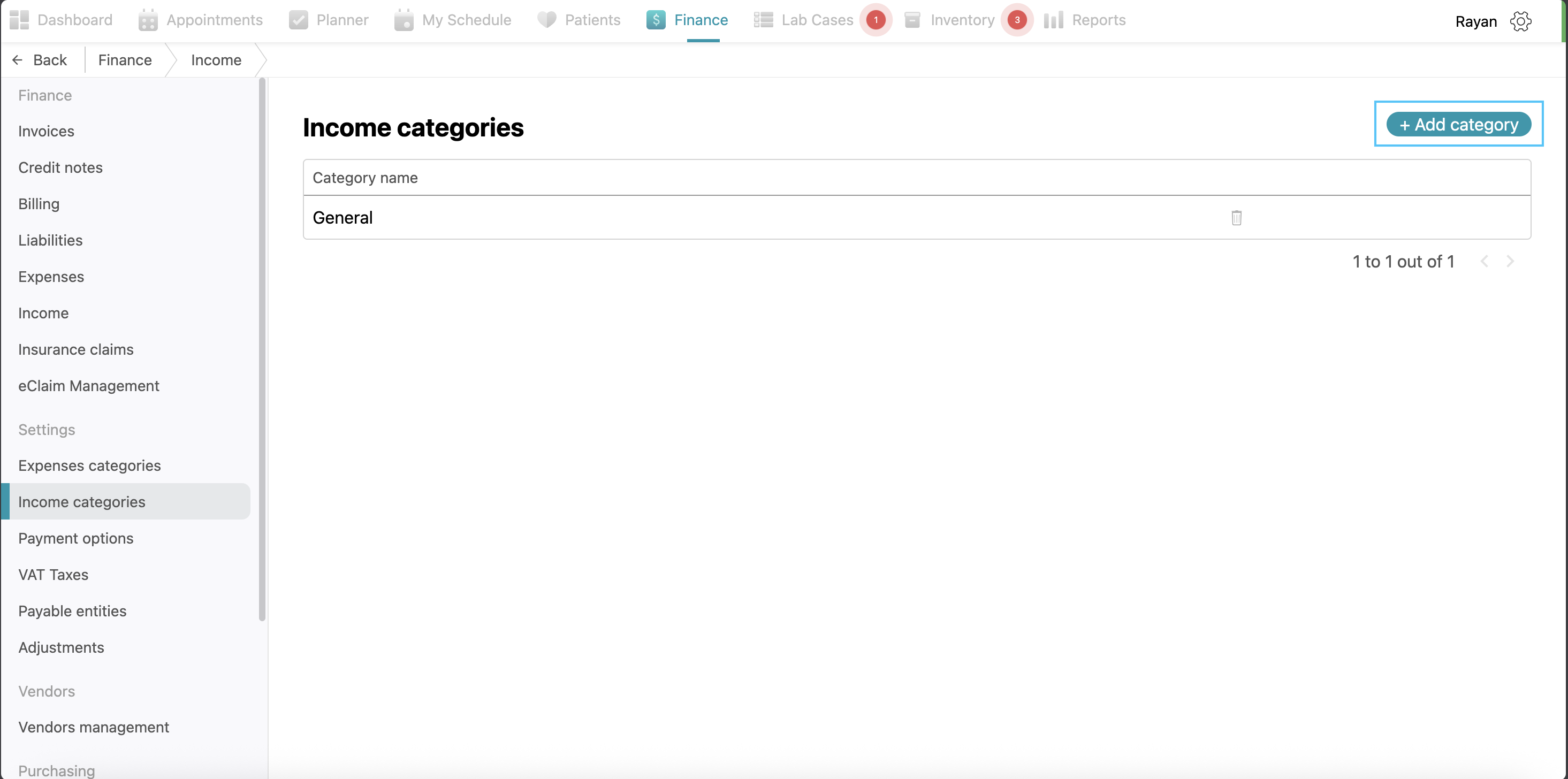
The Income categories tab allows you to organize your revenue sources. To create a new group, click the + Add category button, type the name, and click Save. If you wish to rename a category, click on it to open the edit box. To remove a category entirely, click the trash icon located on the right side of the category row.
No Comments