
Liabilities
View Liabilities
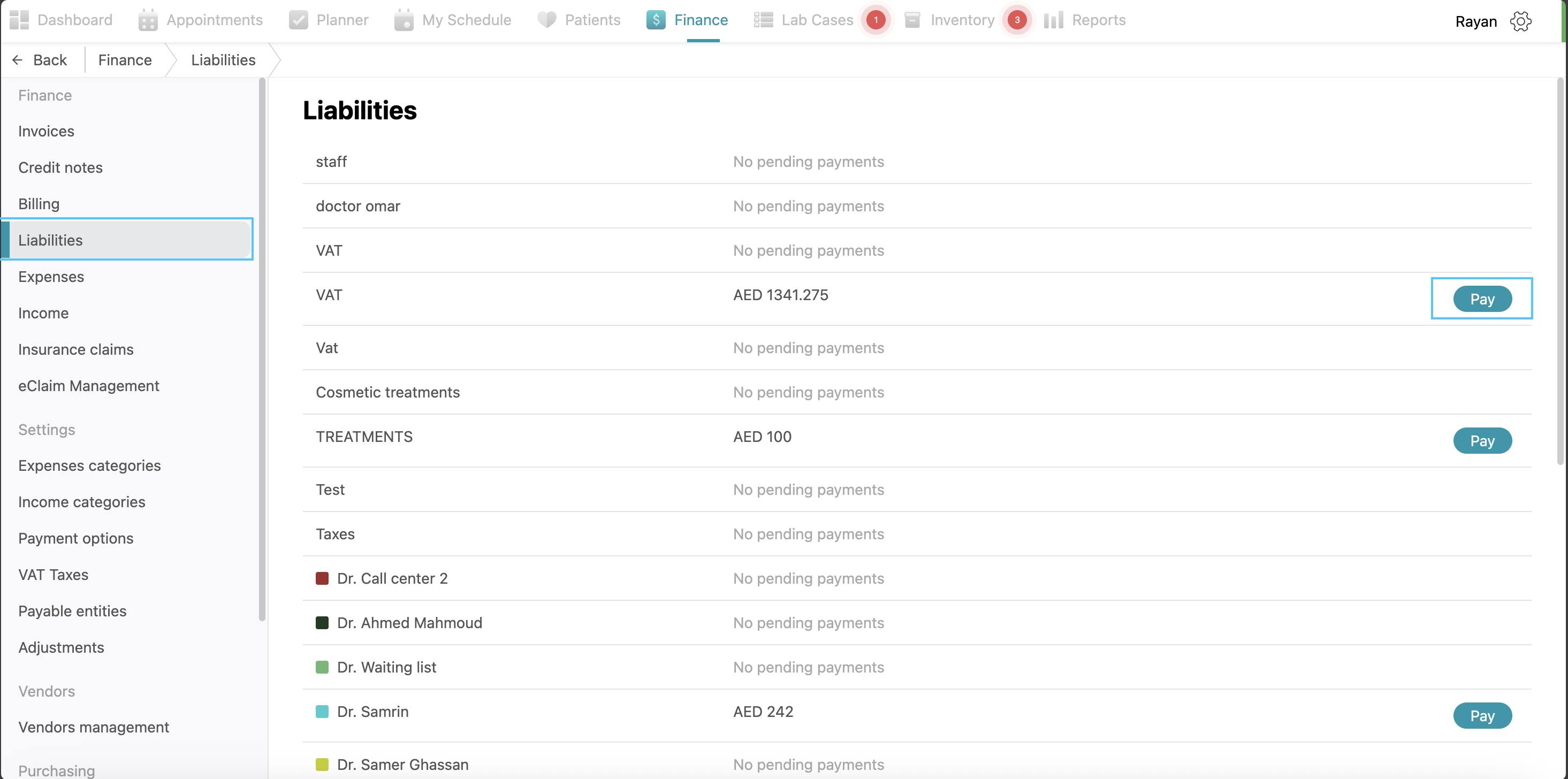
The Liabilities section displays all pending payments the clinic is required to settle. On the left side of the screen, you can identify the entity to be paid, such as VAT or specific treatment costs. To process a payment, locate the specific row and click the Pay button on the right side. An Add payment pop-up will appear; from here, select your Payment option from the dropdown menu and review the pre-filled Amount. You may add a Description if necessary before clicking the Add payment button to finish.
No Comments