
Accounting
In the accounting section, you can view your chart of accounts and journal
Chart of Accounts
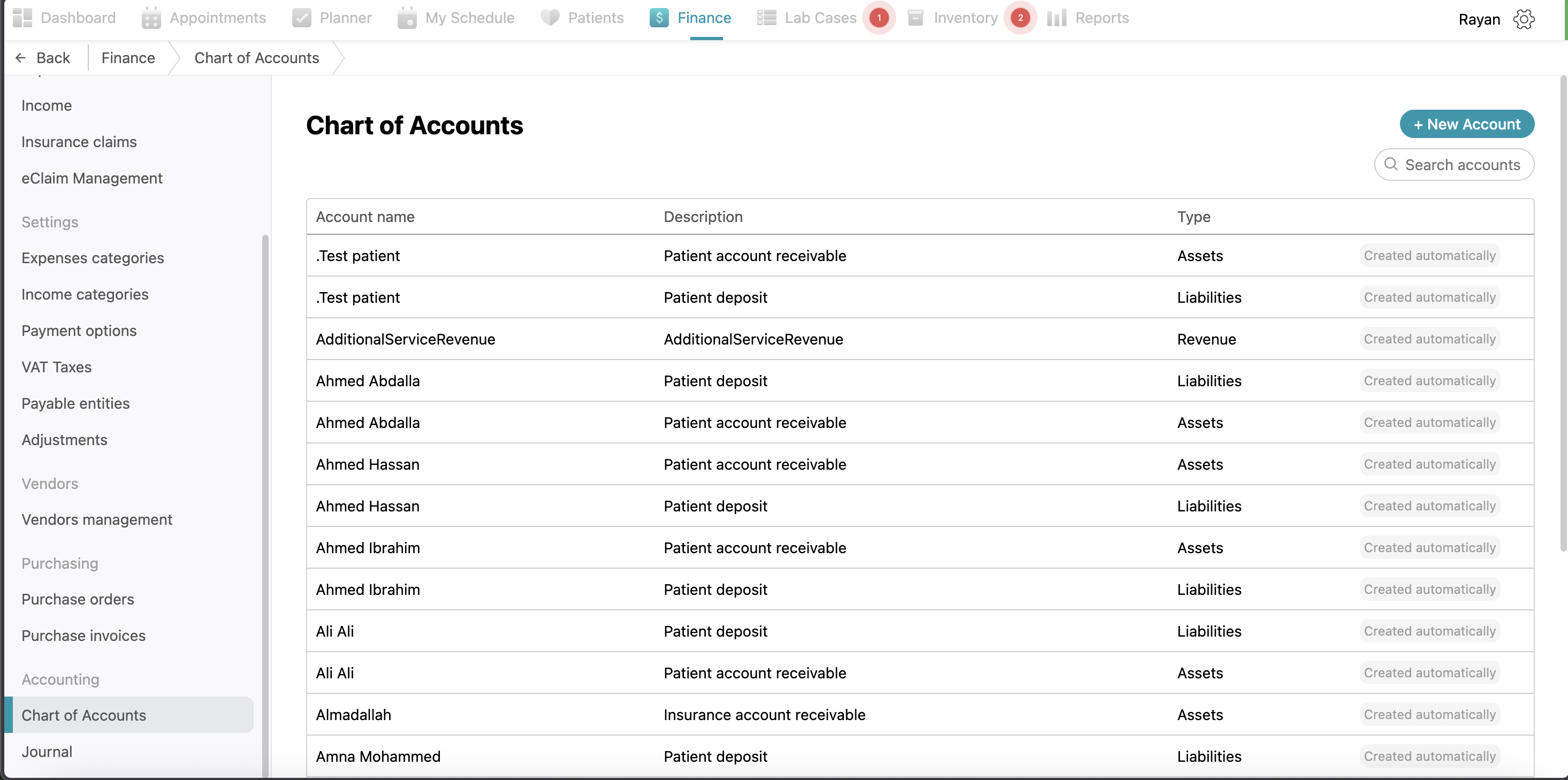
The Chart of Accounts lists all account names, descriptions, and their types, such as Assets, Liabilities, or Revenue. While the system automatically creates many of these accounts based on your activity, you can manually add one by clicking the + New Account button. In the pop-up, provide the Name and Description, and select the Type from the dropdown menu before clicking Confirm.
Journal
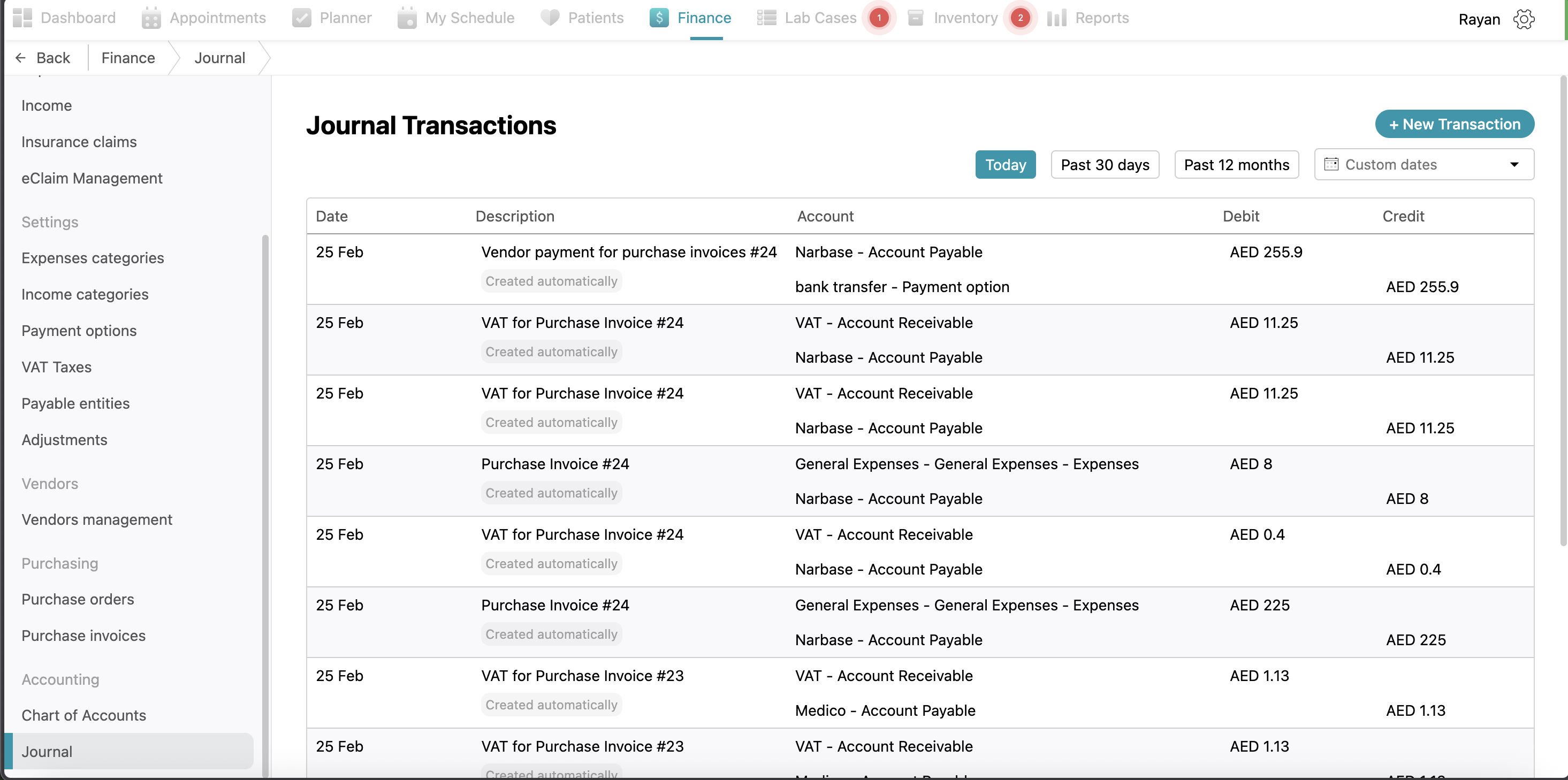
The Journal acts as a detailed log of every financial transaction, showing the Date, Description, and the corresponding Debit and Credit values. Many entries are generated automatically by the system. For transactions that must be recorded manually, click the + New Transaction button and enter the date, amount, and a description. Under the Entries section, you must select the appropriate Accounts and enter the matching Debit and Credit figures before clicking Confirm to save the transaction.
No Comments